Browse·Compounds·Celestron NexStar Evolution 6
Celestron
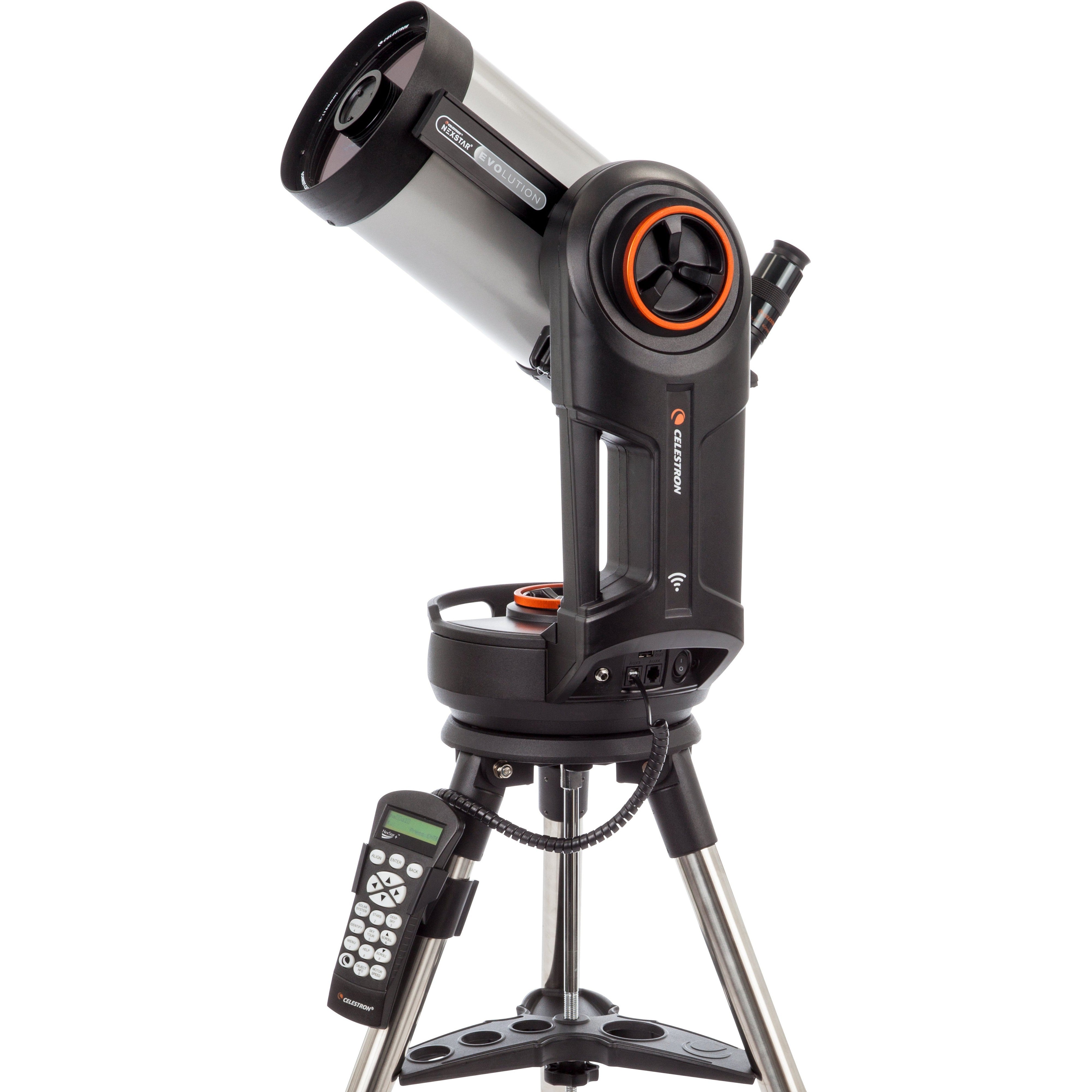
Celestron NexStar Evolution 6
GoTo computerized scope that achieves impressive deep-sky detail from suburban locations.
Affiliate link — we earn from qualifying purchases at no extra cost to you.
Worth knowing before you buy
Firmware update process is poorly documented by Celestron with confusing procedures requiring multiple cable configurations, driver installations, and CFM software versions that may brick hand controllers if incorrect versions are used.
StarSense camera firmware updates require both HC and camera connected to mount plus separate mini-USB cable to PC, or CFM will falsely report successful updates without actually updating the camera.
CFM (Celestron Firmware Manager) version 2.
Head to head
How it compares
NexStar Evolution 6
Celestron
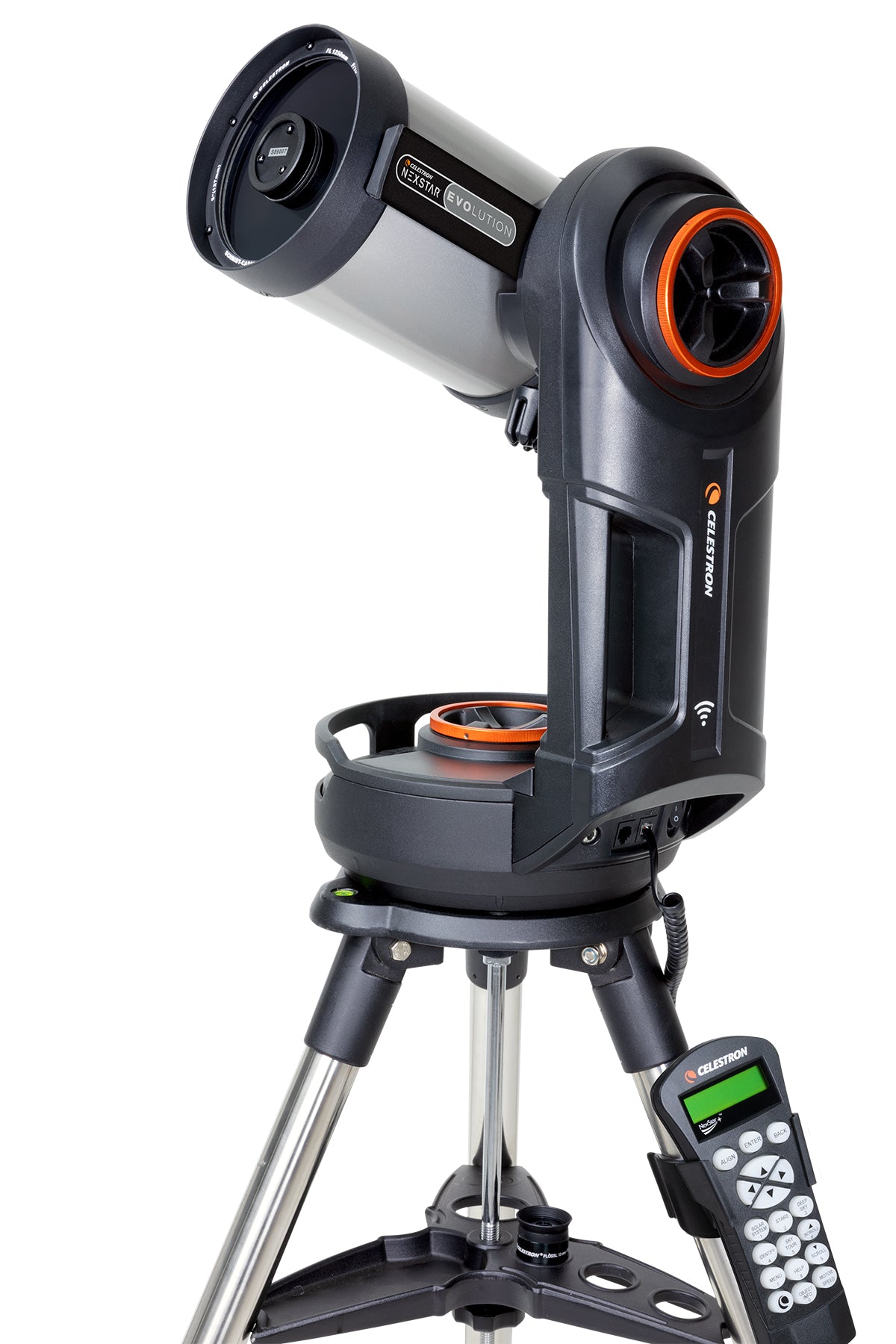
NexStar Evolution 5
Celestron
150mm · GoTo Schmidt-Cassegrain vs 125mm · GoTo Schmidt-Cassegrain
Full comparison →
NexStar Evolution 6
Celestron
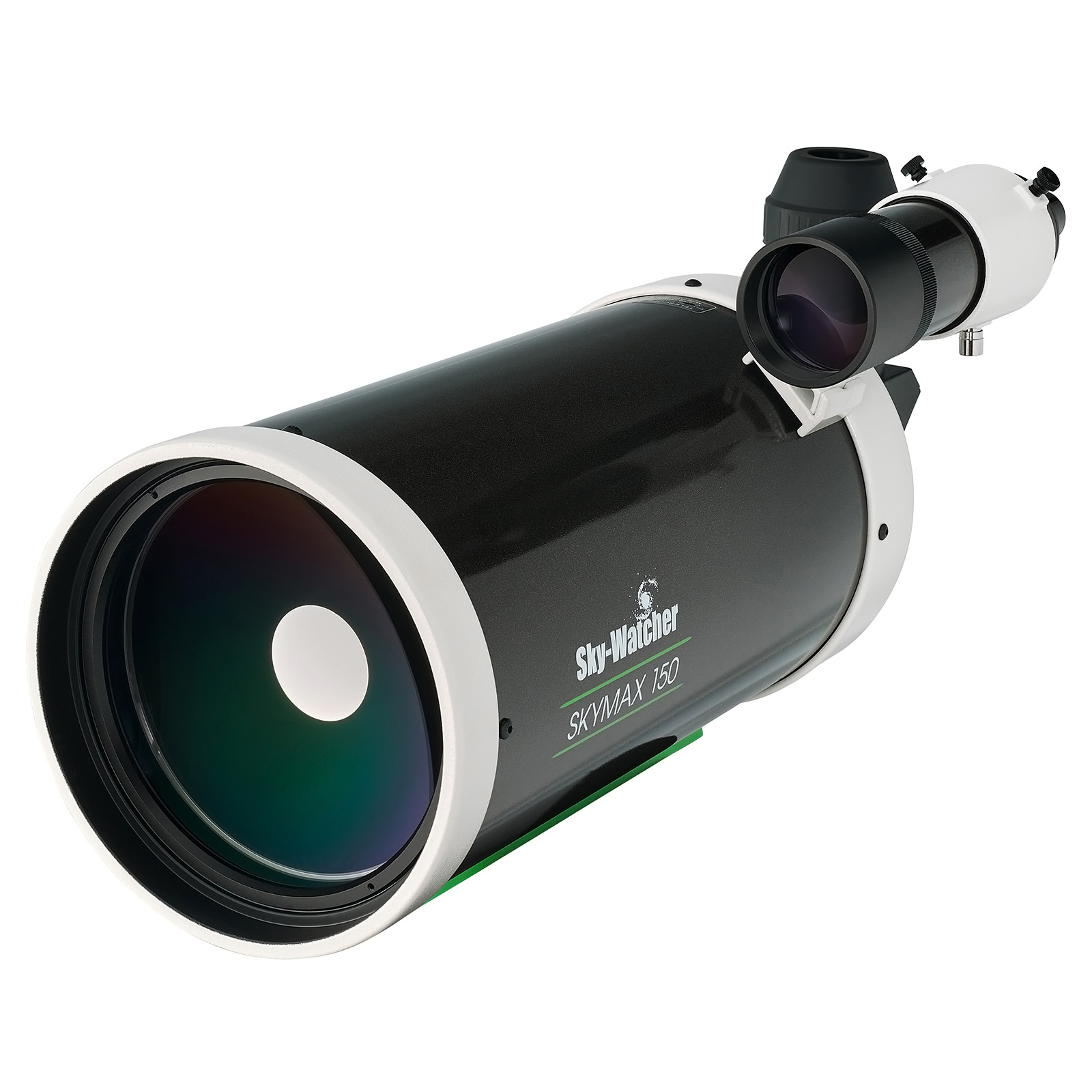
SkyMax 150 Pro + HEQ5
Sky-Watcher
150mm · GoTo Schmidt-Cassegrain vs 150mm · GoTo Maksutov-Cassegrain
Full comparison →
NexStar Evolution 6
Celestron
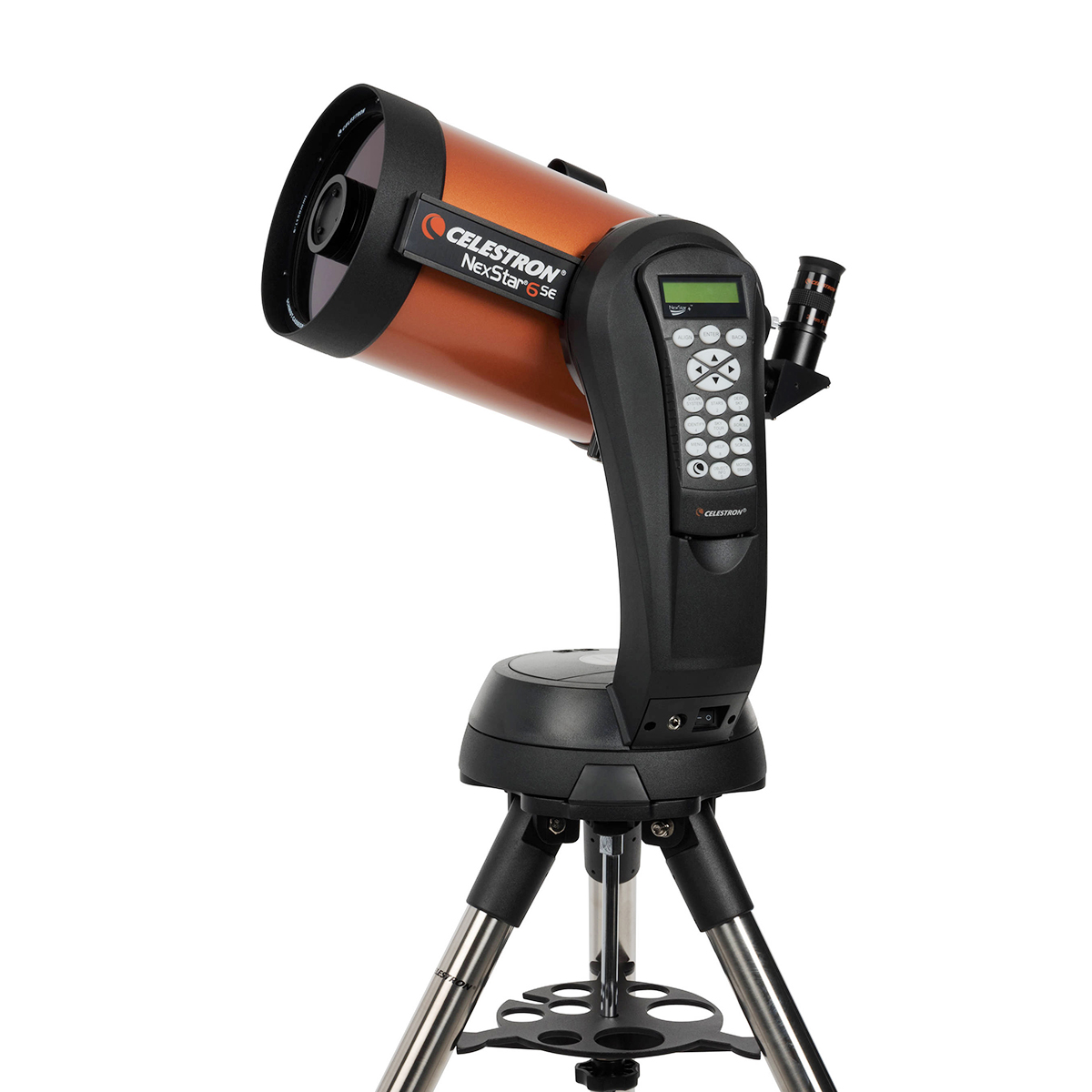
NexStar 6SE
Celestron
150mm · GoTo Schmidt-Cassegrain vs 150mm · GoTo Schmidt-Cassegrain
Full comparison →
NexStar Evolution 6
Celestron
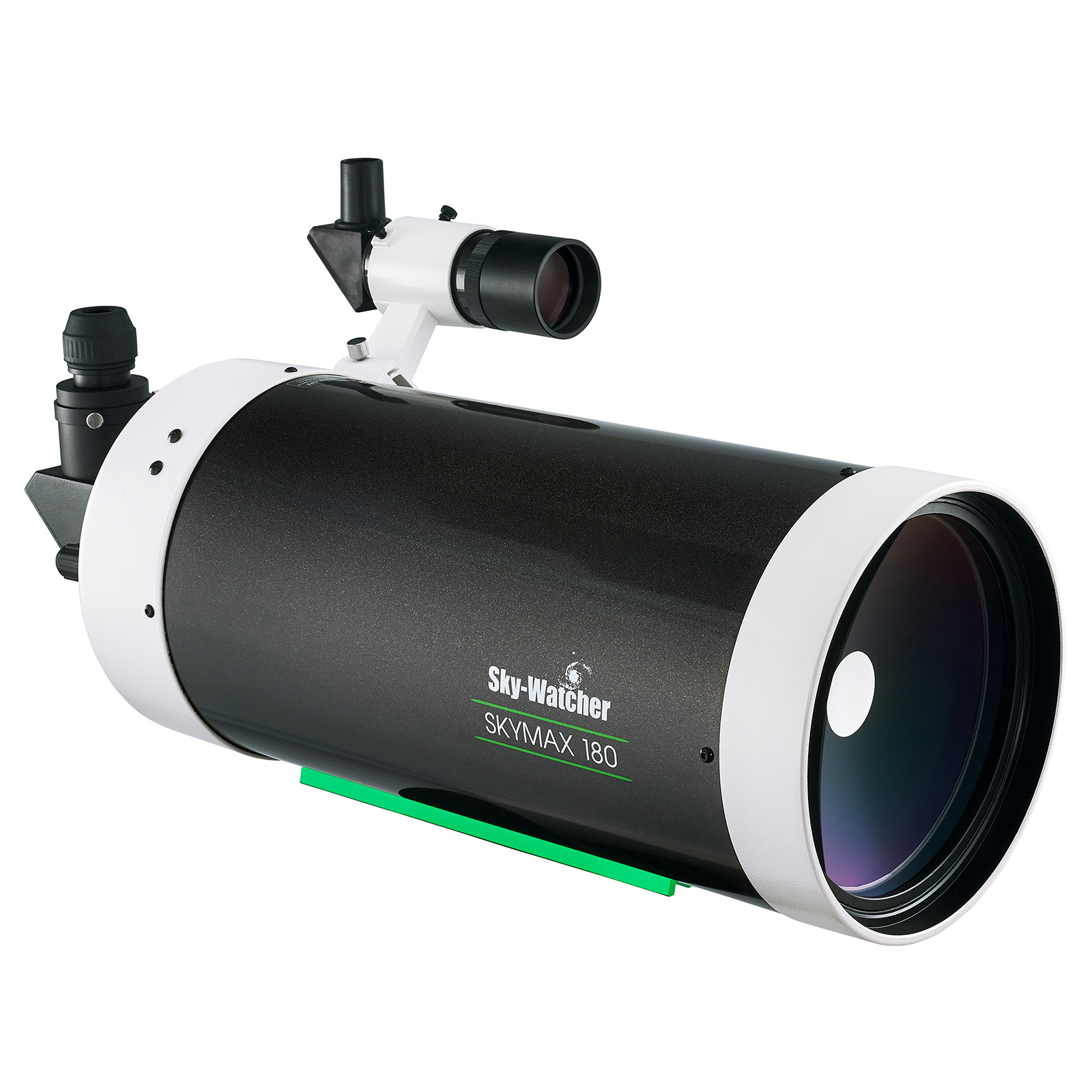
SkyMax 180 Pro
Sky-Watcher
150mm · GoTo Schmidt-Cassegrain vs 180mm · GoTo Maksutov-Cassegrain
Full comparison →
Frequently asked
Questions from owners
Sourced from Cloudy Nights discussions.
- How do I update the firmware on my Evolution mount?
- You need to connect the hand controller to your Windows PC using either a USB-to-serial adapter (older HC models) or a mini-USB cable (newer NexStar+ HC), install the PL2303 driver, install Java, and run Celestron Firmware Manager. Multiple users report this process is confusing and poorly documented by Celestron, but following the detailed step-by-step procedure in the firmware update thread works reliably.
- Can I update my Evolution firmware wirelessly using WiFi?
- WiFi firmware updates are possible but less reliable than USB connections. You need SkyQ Link, both StarSense camera and HC plugged into the mount, your computer connected to the mount's WiFi network, and both camera and HC connected to the computer via USB.
- What CFM (Celestron Firmware Manager) version should I use?
- Version 2.1.
- Do I need both USB cables connected to update the StarSense camera firmware?
- Yes—you must connect the StarSense camera directly to your PC via a mini-USB cable in addition to connecting the HC to the PC. If you only connect the HC, CFM will falsely report that the camera has been updated when it has not.
- What should I do if my hand controller won't update or gets stuck in bootloader mode?
- Try pressing MENU and OPTIONS (Celestron Logo) simultaneously to force bootloader mode, then retry the update with CFM. If that fails, try reverting to an older CFM version like 2.
- Does the Evolution mount come with the latest firmware from the factory?
- No—even new Evolution mounts ship with outdated firmware that may be a year or more old. Users report receiving mounts with firmware versions significantly behind the latest available, so checking and updating is recommended, especially if you encounter GoTo accuracy issues or plan to use StarSense.
Full Specifications
Optics
| Aperture | 150mm |
| Focal Length | 1500mm |
| Focal Ratio | f/10 |
| Optical Design | Schmidt-Cassegrain |
| Coatings | StarBright XLT fully multi-coated on all optical surfaces |
Mount & Tracking
| Mount Type | GoTo (Computerised) |
| GoTo (Computerised) | Yes |
| Tracking | Yes |
| Tracking Motor | Single axis (alt-az) with built-in WiFi and rechargeable battery |
Focuser
| Focuser Size | 1.25" |
| Focuser Type | SCT rear-cell focuser |
Physical
| OTA Weight | 3.5kg |
| Total Weight (with mount) | 12.5kg |
| Tube Length | 394mm |
| Tube Material | Aluminium |
Included Accessories
| Eyepieces | 25mm Plössl |
| Finder Scope | StarPointer red dot finder |
| Diagonal | No |
Smart Telescope Features
| Built-in Camera | No |
| App Controlled | Yes |
| WiFi | Yes |
| Battery Included | Yes |