Browse·Compounds·Celestron NexStar Evolution 8
Celestron
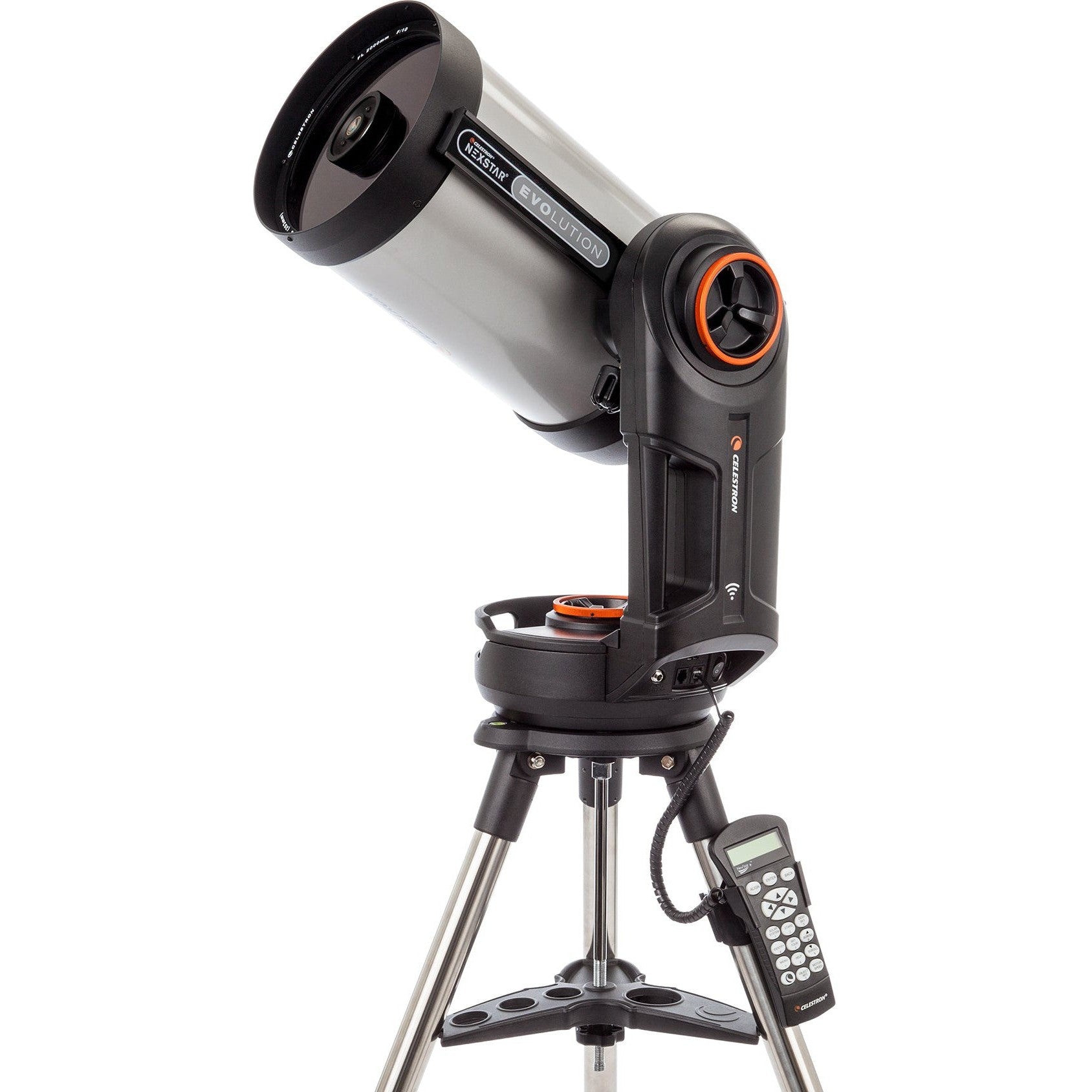
Celestron NexStar Evolution 8
A computerized eight-inch SCT that combines GoTo convenience with reliable deep-sky performance.
Affiliate link — we earn from qualifying purchases at no extra cost to you.
Worth knowing before you buy
Firmware update process is complex and poorly documented by Celestron, requiring multiple cables, drivers, and Java installation with confusing steps that differ between hand controller types.
StarSense camera firmware updates require both a connection to the mount AND a separate mini-USB to USB cable directly to the PC, otherwise CFM falsely reports successful updates when the camera firmware was not actually updated.
Newer NexStar+ hand controllers with mini-USB ports require installation of a PL2303 driver that is not clearly documented or provided by Celestron, causing update failures for users unaware of this requirement.
Head to head
How it compares
NexStar Evolution 8
Celestron
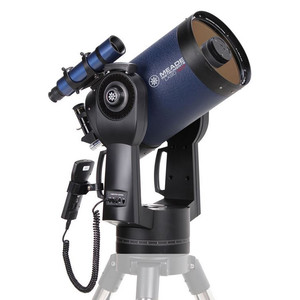
Meade LX90 8" ACF
Meade Instruments
203mm · GoTo Schmidt-Cassegrain vs 203mm · GoTo Schmidt-Cassegrain
Full comparison →
NexStar Evolution 8
Celestron
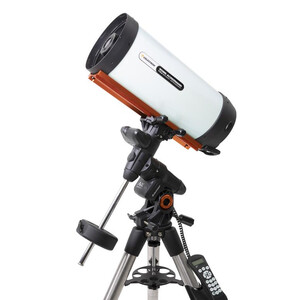
RASA 8"
Celestron
203mm · GoTo Schmidt-Cassegrain vs 203mm · Manual Schmidt-Cassegrain
Full comparison →
NexStar Evolution 8
Celestron
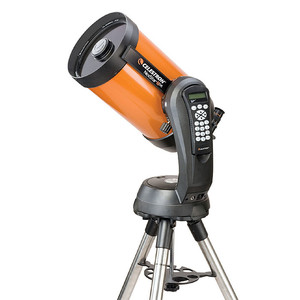
NexStar 8SE
Celestron
203mm · GoTo Schmidt-Cassegrain vs 203mm · GoTo Schmidt-Cassegrain
Full comparison →
NexStar Evolution 8
Celestron
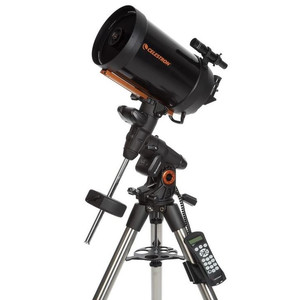
Advanced VX 8 SCT
Celestron
203mm · GoTo Schmidt-Cassegrain vs 203mm · GoTo Schmidt-Cassegrain
Full comparison →
Frequently asked
Questions from owners
Sourced from Cloudy Nights discussions.
- How do I update the firmware on my Evolution 8?
- You need to use Celestron Firmware Manager (CFM) with either a USB serial adapter (for older hand controllers) or a mini-USB cable (for newer controllers). Multiple forum members emphasize you must install Java, the appropriate drivers (including PL2303 for newer mini-USB controllers), and connect the hand controller to your laptop before launching CFM.
- Do I need both USB cables connected to update StarSense firmware?
- Yes, according to multiple users. You must connect both the StarSense camera via mini-USB directly to your laptop AND the hand controller via USB/serial to your laptop simultaneously, even though CFM may falsely report success without the camera cable connected.
- What is the latest firmware version for my Evolution 8?
- As of the thread discussions, the NexStar+ hand controller should be version 5.27.
- Which version of CFM should I use?
- Version 2.1.
- Can I update firmware wirelessly via WiFi?
- Yes, but it's more complicated than the USB method. Multiple users report success using CFM in WiFi mode after ensuring the hand controller has version 5.
Full Specifications
Optics
| Aperture | 203mm |
| Focal Length | 2032mm |
| Focal Ratio | f/10.01 |
| Optical Design | Schmidt-Cassegrain |
| Coatings | StarBright XLT fully multi-coated on all optical surfaces |
Mount & Tracking
| Mount Type | GoTo (Computerised) |
| GoTo (Computerised) | Yes |
| Tracking | Yes |
| Tracking Motor | Single axis (alt-az) with built-in WiFi and rechargeable battery |
Focuser
| Focuser Size | 1.25" |
| Focuser Type | SCT rear-cell focuser |
Physical
| OTA Weight | 5.4kg |
| Total Weight (with mount) | 17.5kg |
| Tube Length | 432mm |
| Tube Material | Aluminium |
Included Accessories
| Eyepieces | 25mm Plössl |
| Finder Scope | StarPointer red dot finder |
| Diagonal | No |
Smart Telescope Features
| Built-in Camera | No |
| App Controlled | Yes |
| WiFi | Yes |
| Battery Included | Yes |